Home › Guides › OMTech K40 settings — cut & engrave cheat sheet
OMTech K40 settings for acrylic and plywood
Starting-point power, speed and pass settings for the OMTech K40, a 40 W CO2 machine. These are collected figures, not results from running the machine ourselves. Every machine and material batch differs — treat these as a fast start, then confirm with a material test grid.
Quick answer: for 3 mm plywood, start with 70% power at 12 mm/s in one pass on the OMTech K40 40 W CO2; for 3 mm acrylic (cast or extruded) use 70% power at 10 mm/s, one pass, and expect a flame-polished edge since this is a CO2 tube, not a diode. MDF cuts at 75% power / 10 mm/s. These are starting points, not guarantees — run a small test cut before a full sheet, and keep air assist on for every cut.
Price a job on the OMTech K40 →OMTech K40 settings (power % / speed mm/s / passes)
| Material | Job | Setting |
|---|---|---|
| Plywood 3 mm | Cut | 70% / 12 / 1 pass |
| MDF 3 mm | Cut | 75% / 10 / 1 pass |
| Acrylic 3 mm | Cut | 70% / 10 / 1 pass |
| Acrylic 5 mm | Cut | 85% / 6 / 1 pass |
| Leather 2 mm | Cut | 40% / 20 / 1 pass |
| Wood | Engrave | 25% / 250 mm/s |
| Acrylic | Engrave | 25% / 250 mm/s |
| Glass | Engrave | 30% / 200 mm/s |
Always: use air assist, focus for the exact thickness, and don't hold 100% power to force a cut — slow the speed or add a pass instead. Find your exact numbers with a material test grid.
All of these charts in one printable book: The Laser Settings Handbook — 18 machines, 11 material charts, the 15 fixes and a settings log in 168 pages. Read the free 13-page sample.
Get an exact price for the OMTech K40
Settings give you the speed; the calculator turns your file's path length into machine time and cost, scaled to the OMTech K40.
Open the OMTech K40 calculator →The upgrades a K40 actually needs
The K40 is a CO2 laser, so it cuts clear acrylic that no diode can. But most units ship with no air assist, a weak exhaust fan and a spring clamp instead of a bed, and those three cause most of the flare-ups and charred edges that get blamed on settings.
Air assist pump: Check price on Amazon ↗
Inline booster fan: Check price on Amazon ↗
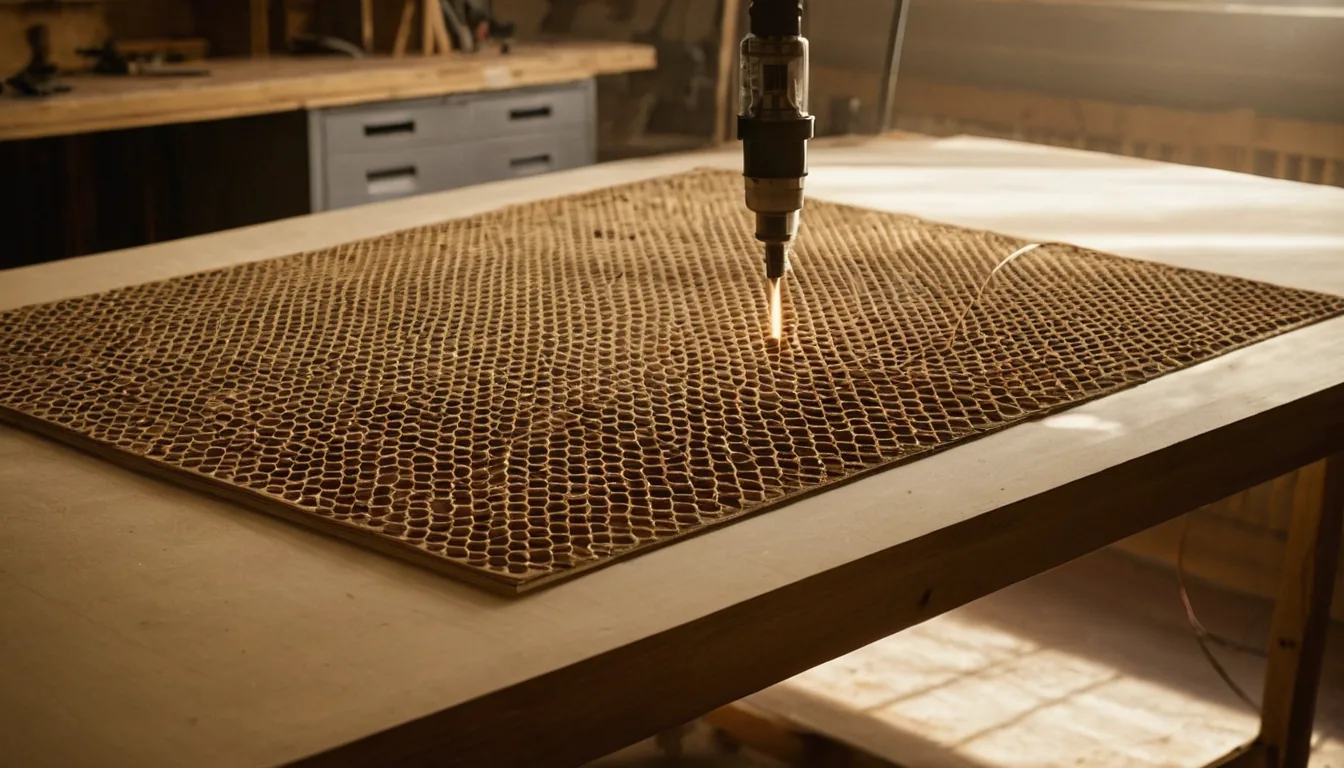
Honeycomb bed: Check price on Amazon ↗
Cast acrylic sheets 3 mm: Check price on Amazon ↗
Cast acrylic, not extruded: extruded melts to a rough white edge and will not flame-polish.
Disclosure: some links are affiliate links — if you buy through them we may earn a small commission at no extra cost to you. Prices are approximate list prices at the time of writing; always check the current offer.
Bed size: what actually fits
The OMTech K40 has a working area of 300 × 200 mm (6 cm²). That decides which stock sizes you can buy without cutting them down first — the single most annoying thing to discover after the delivery arrives.
| Common stock | Size | On this machine |
|---|---|---|
| A4 sheet | 297 × 210 mm | Does not fit — cut it down first |
| 300 × 300 mm craft ply | 300 × 300 mm | Does not fit — cut it down first |
| 400 × 400 mm sheet | 400 × 400 mm | Does not fit — cut it down first |
| 600 × 400 mm sheet | 600 × 400 mm | Does not fit — cut it down first |
| 600 × 300 mm sheet | 600 × 300 mm | Does not fit — cut it down first |
Fitting parts onto the sheet efficiently is where material cost is actually won or lost. Our nesting tool takes your file and this bed size and tells you parts per sheet; the sheet yield calculator does the same from plain dimensions.
What the OMTech K40 cannot do
Knowing the hard limits saves more material than any settings tweak:
- No metal cutting. A CO2 laser marks coated and anodised metal, and cuts none of it. Bare metal needs a fiber laser.
- Tube power falls off with age. A tube several years in will not match the settings it cut cleanly on when new — re-run a test grid rather than raising power to compensate.
- Never PVC or vinyl. Chlorine gas corrodes the machine and is toxic. This is a hard no, not a quality issue.
Troubleshooting: symptom, cause, fix
| Symptom | Usual cause | Fix |
|---|---|---|
| Cut does not go through, top looks fine | Focus off, lens dirty, or mirror alignment drifted | Clean the lens first — a resin film costs real power. Then re-focus and check alignment before touching settings. |
| Power seems lower than it used to be | Tube ageing, or optics needing a clean | Clean optics, then re-run a test grid and write down the new numbers. Do not compensate by holding 100%. |
| Acrylic edge frosted instead of glossy | Too much air assist on the cut | Reduce air pressure for acrylic. Low air gives the flame-polished edge; high air frosts it. |
| Engrave depth uneven across the bed | Bed not level, or focal distance varying across travel | Level the bed and check the material is flat — warped stock is the usual cause, not the machine. |
| Scorch marks around engraved areas | Smoke redepositing on the surface | Mask the surface with transfer tape, improve extraction, and wipe with a damp cloth after. |
If none of that helps, work through why won't my laser cut all the way through? or how to stop burn marks on wood.
Material cost per sheet
Settings tell you the time; material tells you the rest of the price. Typical cut speeds and prices per sheet for the materials this machine handles: Plywood 3 Mm · Plywood 6 Mm · Mdf 3 Mm · Plexiglass 3 Mm · Plexiglass 5 Mm · Leather 2 Mm.
To turn any of it into a quote, drop your file into the OMTech K40 calculator — it applies this machine's speeds to your actual path length. For shop pricing, the hourly rate calculator works out what your machine time is really worth.
FAQ
What power and speed cuts 3 mm plywood on the OMTech K40?
On the OMTech K40 40 W CO2, a starting point for 3 mm plywood is 70% power at 12 mm/s, 1 pass. Values are starting points — run a small test on the same sheet, and use air assist for a clean edge.
Can the OMTech K40 cut clear acrylic?
Yes. The OMTech K40 is a CO2 laser, which cuts clear acrylic cleanly with a flame-polished edge. Use one slower pass with gentle air assist for the glossiest edge.
How much does it cost to run the OMTech K40?
Laser jobs are priced by machine time: cut length ÷ cutting speed × passes = time, then time × hourly rate + setup. Drop your file into the free calculator scaled to the OMTech K40 to get an exact time and price.
What are the best OMTech K40 settings for acrylic?
For 3 mm acrylic on the OMTech K40, start at 70% power / 10 mm/s / 1 pass; for 5 mm acrylic use 85% power / 6 mm/s / 1 pass. Because the K40 is a CO2 laser it cuts clear cast acrylic with a flame-polished edge — run air assist and confirm with a test grid.
What speed and power cuts MDF on the OMTech K40?
A starting point for 3 mm MDF on the OMTech K40 is 75% power at 10 mm/s, one pass — slightly higher power than plywood because MDF absorbs more heat before it cuts through.
Can the OMTech K40 engrave glass?
Yes — a starting point is 30% power at 200 mm/s, one pass. The CO2 beam frosts the glass surface rather than cutting through it; confirm your own numbers with a small test area before a real piece.