Home › Guides › Atomstack A10 Pro settings — cut & engra…
Atomstack A10 Pro settings — cut & engrave cheat sheet
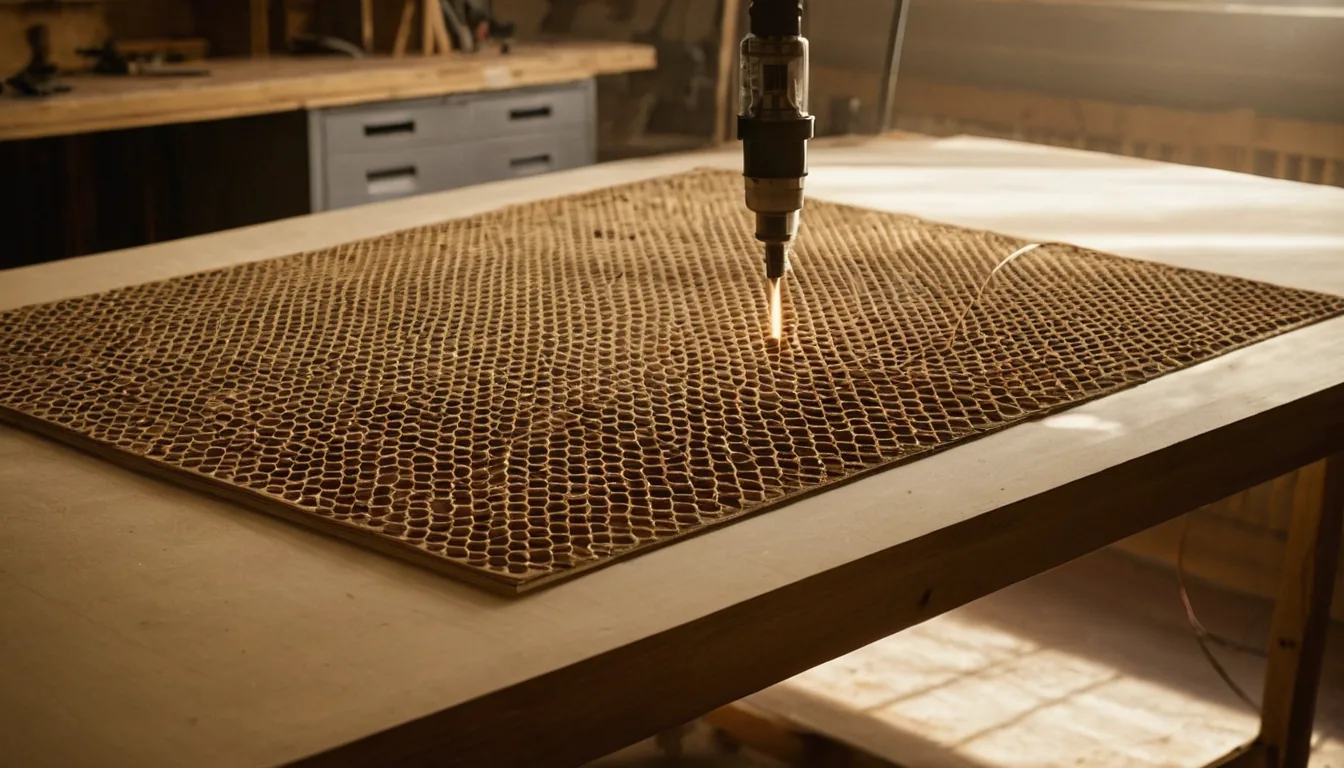
Looking for Atomstack A10 Pro material settings or A10 Pro LightBurn settings? Quick answer: on this 10 W, ~455 nm open-frame diode, 6 mm basswood cuts at 80% power and 130 mm/min in 10 passes, 2 mm leather at 80% and 200 mm/min in one pass, and wood engraving runs at 70% and 6000 mm/min. Those numbers come from Atomstack's own published A10 Pro V2 material table (the table Atomstack lists for the A10 Pro line), not from our own shop — confirm them on scrap with a test grid. Speeds are in mm/min, the unit Atomstack's table uses.
Atomstack A10 Pro settings (power % / speed mm/min / passes)
These are starting points, not results from our own test cuts — Grafline has not run an A10 Pro through its shop. Every row below is copied from the Atomstack material-setting table for the A10 Pro V2 (LightBurn column; Atomstack's material-setting page has a tab for the A10 Pro V2 and none for the original A10 Pro, which also uses a 10 W module). Atomstack's own spec for the machine rates it at 12 mm wood, 10 mm acrylic and 2 mm leather at the very most, so the thicker rows below are slow, multi-pass jobs. We kept only the rows that agree between Atomstack's LightBurn and LaserGRBL columns and with the physics of a 10 W diode; the rest are left out rather than guessed. Confirm every setting with a material test grid on your own stock.
| Material | Job | Setting |
|---|---|---|
| Basswood 6 mm | Cut | 80% / 130 / 10 passes |
| Black / opaque acrylic 10 mm | Cut | 80% / 130 / 10 passes |
| Leather 2 mm | Cut | 80% / 200 / 1 pass |
| Basswood | Engrave | 70% / 6000 / 1 pass (line interval 0.1 mm, Threshold) |
| MDF | Engrave | 20% / 6000 / 1 pass (line interval 0.08 mm, Atkinson) |
| Rock / slate | Engrave | 70% / 5000 / 1 pass (line interval 0.1 mm, Threshold) |
| Ceramic tile | Engrave | 80% / 500 / 1 pass (line interval 0.1 mm, Threshold) |
Passes caveat: for the 6 mm basswood row, Atomstack's LightBurn column says 10 passes while its LaserGRBL column says 1 for the same speed. A 10 W diode does not cut 6 mm wood in one pass at 130 mm/min, so we use the 10-pass figure. Plan for slow, patient cuts, not a quick job.
Clear vs opaque acrylic: the A10 Pro is a diode laser and cannot cut clear or transparent acrylic — the ~455 nm beam passes straight through it. Atomstack lists black acrylic under its cutting materials, and its table row is simply labelled “Acrylic”, so use it for dark, opaque stock only. Clear acrylic needs a CO2 laser.
Always: use air assist on cuts, focus for the exact thickness, and slow down or add a pass rather than forcing a cut through at the top of the power range.
All of these charts in one printable book: The Laser Settings Handbook — 18 machines, 11 material charts, the 15 fixes and a settings log in 168 pages. Read the free 13-page sample.
Get an exact price for the Atomstack A10 Pro
Settings give you the speed; the cutting time calculator turns your file's path length into an actual job time on this machine. At 130 mm/min and 10 passes, a 6 mm basswood outline costs far more machine time than the same outline on a 20 W laser, so run the numbers before you quote. For a full quote with materials and machine rate included, use the calculator on the homepage.
What an A10 Pro needs next to it
Atomstack's spec for the A10 Pro lists no air assist, and the machine has no enclosure.
Air assist pump: Check price on Amazon ↗
Safety glasses, 455 nm OD6+: Check price on Amazon ↗
Honeycomb bed: Check price on Amazon ↗
Basswood sheets 3 mm: Check price on Amazon ↗
Disclosure: some links are affiliate links — if you buy through them we may earn a small commission at no extra cost to you. Prices are approximate list prices at the time of writing; always check the current offer.
Bed size: what actually fits
Atomstack's own A10 Pro V2 page gives two figures that do not match: a working area of 400 × 365 mm in the headline specs and an engraving size of 410 × 380 mm in the full specification table. Plan around the smaller 400 × 365 mm and treat the extra few millimetres as margin you should verify on your own unit before you cut stock to size. Atomstack also sells a separate engraving-area extension kit for the A10 Pro line.
| Common stock | Size | On this machine |
|---|---|---|
| A4 sheet | 297 × 210 mm | Fits |
| 300 × 300 mm craft ply | 300 × 300 mm | Fits |
| Full bed sheet | 400 × 365 mm | Fits only edge to edge on the stated working area |
| 400 × 400 mm sheet | 400 × 400 mm | Does not fit — cut it down first |
| 600 × 400 mm sheet | 600 × 400 mm | Does not fit on the standard bed — cut it down first |
Fitting parts onto the sheet efficiently is where material cost is actually won or lost. Our nesting tool takes your file and this bed size and tells you parts per sheet; the sheet yield calculator does the same from plain dimensions.
What the Atomstack A10 Pro cannot do
Knowing the hard limits saves more material than any settings tweak:
- No clear or transparent acrylic. Like every ~455 nm diode, the beam passes straight through clear acrylic. Dark, opaque acrylic cuts slowly; clear needs a CO2 laser.
- No cutting metal. Atomstack lists a maximum metal processing depth of 0.01 mm, which means surface marking only. Bare steel, brass or copper need a marking coating first, and Atomstack's table rows for bare stainless steel and glass are slow ones we left out rather than repeat.
- Thick stock is a multi-pass slog. The 12 mm wood and 10 mm acrylic ratings are ceilings. In Atomstack's own table, 6 mm basswood already takes 10 passes at 130 mm/min.
- Open frame means no enclosure. The beam and fumes are exposed while a job runs, so rated eye protection and fume extraction are part of using this machine. Atomstack's spec lists a tip-over alarm and says flame detection needs its separate L2 Z-axis slider.
- No air assist listed in the spec. Atomstack sells air assist sets as separate accessories; check what your bundle includes before you plan cuts that depend on it.
Still sold? Atomstack's current store lists the A10 Pro V2 (10 W, 455 ± 5 nm) but no plain A10 Pro, so the original looks superseded by the V2. Its settings still apply to owners of either, since both use a 10 W diode module, but check which version you have before swapping modules or buying spares: Atomstack warns its V2 gunmetal module is not compatible with the black version.
Troubleshooting: symptom, cause, fix
| Symptom | Usual cause | Fix |
|---|---|---|
| Cut does not go all the way through, top looks fine | Focus set for the wrong thickness, or speed too high for the pass count | Refocus on the actual stock (the A10 Pro is manual focus), then slow the speed before adding passes. Check the back face, not the top. |
| Engraving looks faint at the listed power | S-Value Max or the controller type set wrong in LightBurn, or a dirty lens | Check Device Settings against Atomstack's own LightBurn guide, and wipe the lens with a clean lens cloth. |
| Edges heavily charred or flaming | No air assist, or too many slow passes stacking heat | Add air assist — it matters more than any setting tweak on wood. Prefer fewer, faster passes. |
| Clear acrylic does nothing at all | Physics, not settings | A diode cannot cut clear acrylic. Switch to opaque stock or a CO2 machine. |
| Lines wavy or doubled | Loose belts or a frame vibrating at speed | Check belt tension and that the gantry is square, then lower the engraving speed to confirm it is mechanical. |
If none of that helps, work through why won't my laser cut all the way through? or how to stop burn marks on wood.
Material cost per sheet
Settings tell you the time; material tells you the rest of the price, and Atomstack doesn't publish that part — it depends on your supplier and moves with the market. Our where to buy laser materials guide lists suppliers worth comparing before you buy a full sheet. Once you know the price per sheet, the cutting time calculator turns your file and this machine's speeds into a full per-job cost.
FAQ
What are the Atomstack A10 Pro material settings?
From Atomstack's own A10 Pro V2 material table: 6 mm basswood cuts at 80% power, 130 mm/min and 10 passes; 2 mm leather at 80%, 200 mm/min, 1 pass; basswood engraves at 70% and 6000 mm/min; rock at 70% and 5000 mm/min. These are starting points, so run a test grid on your own stock.
What are good Atomstack A10 Pro LightBurn settings?
Atomstack publishes a LightBurn column and a LaserGRBL column for the A10 Pro V2. In LightBurn it lists power as a percentage; in LaserGRBL as an S value out of 1000, so 80% becomes S800. Atomstack's own spec lists LightBurn, LaserGRBL and its PC and phone apps as supported software. Set the speed unit to mm/min to match Atomstack's table, then run a material test.
What can the Atomstack A10 Pro cut, and how thick?
Atomstack's spec rates the A10 Pro V2 at up to 12 mm wood, 10 mm acrylic and 2 mm leather, and lists cardboard, non-woven fabric, wood, black acrylic, thin plastic and sponge as cutting materials. Those are ceilings: Atomstack's own settings table already needs 10 passes at 130 mm/min for 6 mm basswood.
Can the Atomstack A10 Pro cut clear acrylic?
No. It is a diode laser at about 455 nm, and clear acrylic is transparent at that wavelength, so the beam passes straight through. Dark, opaque acrylic cuts slowly in many passes. Clear acrylic needs a CO2 laser.
What is the Atomstack A10 Pro working area?
Atomstack's A10 Pro V2 page lists 400 x 365 mm as the working area in the headline specs and 410 x 380 mm as the engraving size in the full table. The two figures disagree, so plan around 400 x 365 mm and measure your own unit before cutting stock to size. A separate extension kit exists for the A10 Pro line.
Is the Atomstack A10 Pro still sold, and what is the V2?
Atomstack's current store lists the A10 Pro V2, a 10 W, 455 nm open-frame diode laser, and no plain A10 Pro, so the original appears to have been superseded. Atomstack lists the V2's maximum speed as 400 mm/s, accuracy 0.02 mm and spot size 0.06 x 0.08 mm.