Home › Guides › xTool F1 vs F2: what changed, and does it matt…
xTool F1 vs F2: what changed, and does it matter?
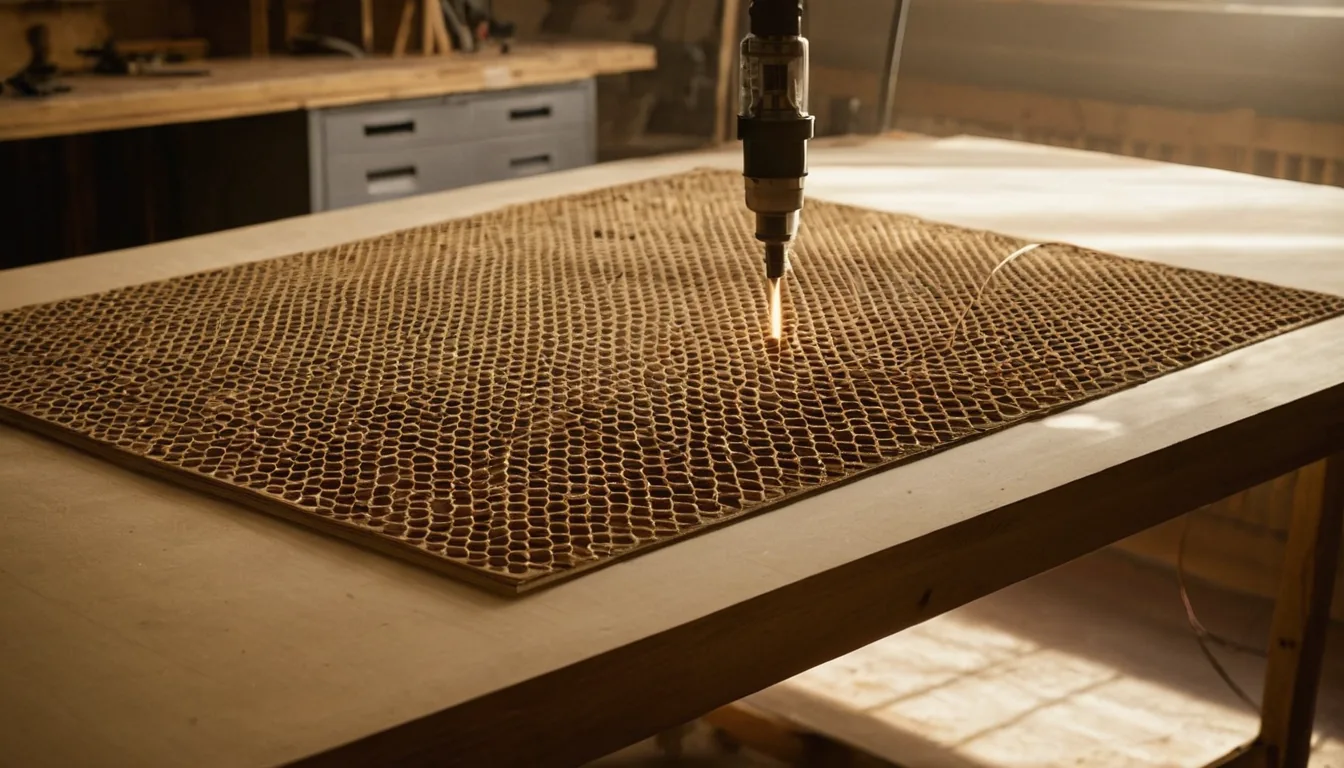
Comparing the xTool F1 vs F2? Both are small enclosed galvo machines that pair a blue diode with an infrared head, and both mark the same work area of 115 × 115 mm. The F2 raises the diode from 10 W to 15 W and the infrared from 2 W to 5 W, adds a built-in camera, and runs faster (6,000 vs 4,000 mm/s). The catch on the F2 side: xTool says it runs in xTool Studio and not LightBurn “at this time”. All figures below are from xTool’s pages; we have not run either machine ourselves.
Quick answer: pick the F2 if you will buy new and want the camera, the extra diode and infrared power and the faster head. The F1 is the one to look at if you already own one or find it second-hand, and if you rely on LightBurn: xTool lists LightBurn for the F1 but not for the F2. Neither machine is a sheet cutter. xTool’s own cutting limits are 8 mm basswood for the F1 and 15 mm for the F2, both in several passes, and the thicker figures are ceilings, not recommended speeds.
xTool F1 vs F2 specs
| Spec | xTool F1 | xTool F2 | Source |
|---|---|---|---|
| Diode laser | 10 W, 455 nm | 15 W, 445 nm | xTool support articles 12, 3042 |
| Infrared laser | 2 W, 1064 nm | 5 W, 1064 nm | xTool support articles 12, 3042 |
| Work area | 115 × 115 mm | 115 × 115 mm | xTool support articles 12, 3042 |
| With slide extension | 115 × 400 mm | 115 × 400 mm | xTool tech-specs page |
| Max workpiece height | 113 mm | 120 mm | xTool support articles 12, 3042 |
| Max speed | 4,000 mm/s | 6,000 mm/s | xTool support articles 12, 3042 |
| Diode cuts (xTool) | 8 mm basswood; 6 mm black acrylic (one article says 5 mm) | 15 mm basswood, 12 mm black acrylic, multiple passes | xTool support articles 1947, 12, 2818 |
| Metal | Infrared marks; no metal cutting | Infrared marks; xTool says no metal cutting | xTool support article 1947, F2 product page |
| Camera | xTool’s F2 page says the F1 has none; one F1 support article mentions autofocus | 50 MP built-in camera, autofocus, one-click fill | xTool F2 product page, article 12 |
| Software | XCS, LightBurn | xTool Studio; xTool says not LightBurn at this time | xTool support article 12, F2 product page |
| Weight | 4.6 kg | 4.6 kg | xTool support article 12, tech-specs page |
| Size (mm) | 179 × 235 × 334 | 175 × 237 × 334 | xTool support articles 12, 3042 |
Where xTool contradicts itself: the F1’s acrylic cutting limit is 5 mm in one support article and 6 mm in another, and the camera question above has two answers. We show both rather than choose. xTool says F2 works with all F1 accessories except the Rolling Hard Case.
What the extra power buys in settings
Both guides list settings from xTool’s own data or from owners, and the rows are not the same job on both machines, so treat this as a sanity check rather than a benchmark. Thin leather is cut at 90% and 10 mm/s on the F1’s 10 W diode (F1 guide), while the F2 guide logs 0.42 mm PU leather cut at 50% and 20 mm/s on the 15 W diode (F2 guide): the stronger head runs faster at lower power, as it should. The F1 guide has a bare stainless and aluminium engraving row on the 2 W infrared; the F2 guide has no bare-metal preset we could read, only a powder-coated tumbler (61% / 200 mm/s, Yeti-style) and a black PLA row on the infrared head. Do not copy numbers between the two: line density, focus and head differ.
Which one should you get?
- Buying new, small items, tumblers, signs, cards: F2. More power and speed, a camera, and xTool still sells it.
- You already use LightBurn and will not leave it: F1. xTool lists LightBurn for it; for the F2 it does not.
- You need to cut metal or work on metal in volume: neither. Look at the F1 Ultra or F2 Ultra: see F1 vs F1 Ultra and F2 vs F2 Ultra.
- You need to cut sheets: a CO2 machine. See diode vs CO2.
Is the xTool F1 still sold?
On 14 November 2026 xTool’s US store had no product page for a new F1; its product list showed only a refurbished F1 marked limited quantities. xTool has not said anywhere we read that the F1 is discontinued, so check the store before buying one new. The F2 is listed as available. Our settings pages for both: xTool F1 settings and xTool F2 settings.
Sources are xTool’s own spec pages and support articles, listed in the table or at the end; xTool’s store pages and support articles do not always agree with each other, and where they do not, we say so.
Next up the range: xTool F2 vs F2 Ultra.
FAQ
What is the difference between the xTool F1 and F2?
Per xTool, the F2 has a 15 W diode and 5 W infrared laser against the F1's 10 W and 2 W, a built-in 50 MP camera, a top speed of 6,000 mm/s against 4,000 mm/s, and cuts up to 15 mm basswood against 8 mm in several passes. Work area is 115 x 115 mm on both.
Is the xTool F2 worth upgrading from the F1?
For more cutting depth, speed and the camera, yes. If you depend on LightBurn, note that xTool says the F2 runs in xTool Studio and not LightBurn at this time, while it lists LightBurn for the F1. Both have the same 115 x 115 mm bed.
Can the xTool F1 or F2 cut metal?
No. xTool lists both as marking metal with the infrared laser only, not cutting it. For thin metal cutting xTool points to the F1 Ultra (thin brass, stainless and aluminium) and the F2 Ultra (up to 2 mm brass and stainless).
Does the xTool F1 have a camera?
xTool's own pages disagree. The F2 product page says the F1 has no camera or autofocus, while one F1 support article says it supports autofocus. The F2 has a 50 MP built-in camera.
Does the xTool F2 work with LightBurn?
xTool's F2 product page says it runs in xTool Studio and not LightBurn at this time. xTool lists XCS and LightBurn for the F1.
Is the xTool F1 discontinued?
xTool has not announced it that we found. On 14 November 2026 its US store showed no new F1 product page, only a refurbished listing in limited quantities. Check the store.
Where to look at them
xTool F2: Check price on Amazon ↗
xTool F1: Check price on Amazon ↗
Disclosure: some links are affiliate links — if you buy through them we may earn a small commission at no extra cost to you. As an Amazon Associate I earn from qualifying purchases. Prices are approximate list prices at the time of writing; always check the current offer.