Home › Guides › xTool F2 Ultra settings — MOPA metal cut…
xTool F2 Ultra settings — MOPA metal cutting & colour cheat sheet
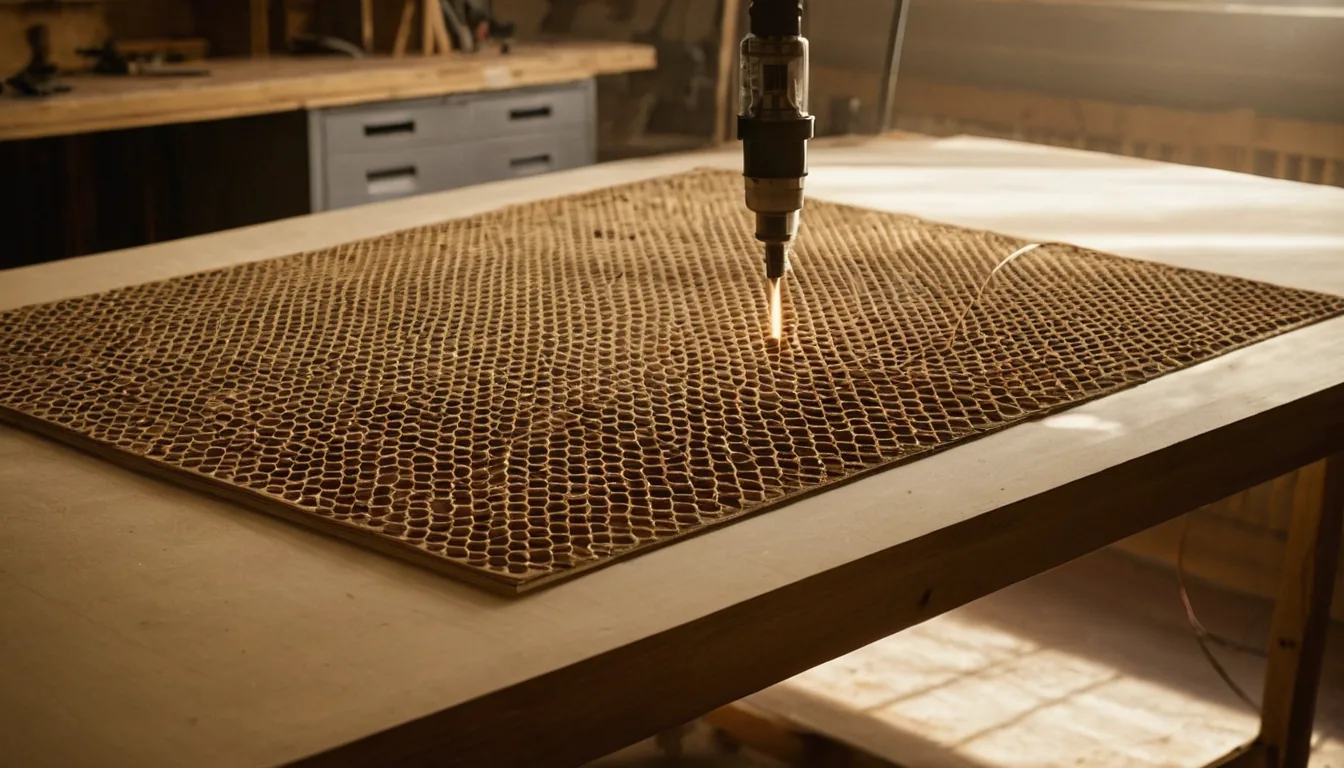
Searching for xTool F2 Ultra settings? The F2 Ultra is xTool’s galvo hybrid with a 60 W MOPA fiber laser, plus a 40 W blue diode on the dual model (the F2 Ultra Single is MOPA only). Quick answer, from xTool’s own support pages: 1 mm 304 stainless cuts in Embossment mode at 100% / 800 mm/s / 130 layers, 1 mm aluminium in flat mode at 100% / 100 mm/s / 10 passes, and titanium colour engraving starts from 5–35% power at 500–4500 mm/s with a 2 ns pulse. We have not run an F2 Ultra ourselves; xTool publishes metal-cutting and colour tables, not a full material library, so the page says what is missing.
Quick answer: xTool’s own support pages publish F2 Ultra numbers for metal cutting and for colour engraving, not a general material library. For xtool f2 ultra settings for stainless steel, the cut figures are 70% / 500 mm/s / 50 layers for 0.5 mm 304 and 100% / 800 mm/s / 130 layers for 1 mm 304, both in Embossment (Incise) mode; the colour-engraving starting range for titanium is 5–35% power at 500–4500 mm/s with a 2 ns pulse at 1950 kHz. For xtool f2 ultra aluminum settings, 1 mm cuts at 100% / 100 mm/s / 10 passes in flat mode. Other searches people make, such as xtool f2 ultra glass, tumbler, copper and UV settings, have no xTool table, so we left them out instead of guessing.
xTool F2 Ultra settings (power % / speed mm/s / passes or layers / pulse width / frequency)
Every row is copied whole from one table in xTool’s support article “Metal Cutting Methods and Recommended Parameters for xTool F2 Ultra / F2 Ultra (Single)”. The operation label is the one xTool uses: Cut in Process on flat surface mode (xTool’s recommended thickness 0–1 mm) or Incise in Embossment mode (0.5–2 mm; layers instead of passes, plus lines per cm). Speeds are in mm/s, the unit xTool uses. These are all MOPA fiber figures; the article names no laser module, but the metals can only be processed with the 60 W infrared laser, not the 40 W diode. Nothing here is a result from our own shop; xTool says the numbers are for reference only, so confirm with a material test grid on scrap first.
| Material | Job | xTool mode | Setting | Pulse width / frequency |
|---|---|---|---|---|
| Brass 0.5 mm | Cut | Cut, flat-surface mode | 60% / 250 mm/s / 120 passes | 500 ns / 60 kHz |
| Aluminium 1 mm | Cut | Cut, flat-surface mode | 100% / 100 mm/s / 10 passes | 200 ns / 65 kHz; wobble 0.4 / distance 0.03; xTool lists it as cut through |
| Gold 0.2 mm | Cut | Cut, flat-surface mode | 100% / 20 mm/s / 1 pass | 200 ns / 48 kHz |
| Silver 0.2 mm | Cut | Cut, flat-surface mode | 100% / 200 mm/s / 5 passes | 200 ns / 48 kHz |
| 304 stainless steel 0.5 mm | Cut | Incise, Embossment mode | 70% / 500 mm/s / 50 layers / 300 lines per cm | 500 ns / 30 kHz |
| 304 stainless steel 1 mm | Cut | Incise, Embossment mode | 100% / 800 mm/s / 130 layers / 300 lines per cm | 500 ns / 60 kHz |
| 304 stainless steel 2 mm | Cut | Incise, Embossment mode | 100% / 800 mm/s / 300 layers / 300 lines per cm | 500 ns / 60 kHz |
| Aluminium 1 mm | Cut | Incise, Embossment mode | 100% / 3000 mm/s / 180 layers / 300 lines per cm | 200 ns / 65 kHz |
| Aluminium 2 mm | Cut | Incise, Embossment mode | 100% / 1000 mm/s / 180 layers / 300 lines per cm | 500 ns / 30 kHz |
| H62 brass 0.5 mm | Cut | Incise, Embossment mode | 100% / 2000 mm/s / 120 layers / 300 lines per cm | 500 ns / 60 kHz |
| H62 brass 1 mm | Cut | Incise, Embossment mode | 100% / 1500 mm/s / 200 layers / 300 lines per cm | 500 ns / 60 kHz |
| H62 brass 2 mm | Cut | Incise, Embossment mode | 100% / 750 mm/s / 200 layers / 300 lines per cm | 500 ns / 60 kHz |
| 925 silver 1 mm | Cut | Incise, Embossment mode | 100% / 700 mm/s / 200 layers / 300 lines per cm | 500 ns / 60 kHz |
| Titanium 1 mm | Cut | Incise, Embossment mode | 100% / 800 mm/s / 200 layers / 300 lines per cm | 500 ns / 60 kHz |
| Titanium 2 mm | Cut | Incise, Embossment mode | 100% / 600 mm/s / 400 layers / 300 lines per cm | 500 ns / 60 kHz |
Two cut modes, two tables: the 1 mm aluminium rows are not a contradiction. Flat-surface mode makes ten passes at 100 mm/s with wobble; Embossment mode removes material in 180 thin layers at 3000 mm/s and gives smoother edges but takes longer and needs extra setup in xTool Studio, per xTool. Do not mix the columns of one mode into the other.
Thickness trend: in Embossment mode xTool needs 130 layers for 1 mm stainless and 300 for 2 mm at the same 800 mm/s, which fits the physics of a 60 W pulsed fiber laser removing a thin layer per layer. This is a thin-metal cutter, not a sheet-metal machine.
Colour engraving starting ranges (xTool)
For colour marking xTool gives ranges to build a test matrix from, not single values. These come from xTool’s support articles “How to Master the xTool F2 Ultra” and “Start Color Engraving with xTool F2 Ultra Series”, and apply to the MOPA laser.
| Material | Job | Setting |
|---|---|---|
| Titanium | Colour engrave | 5–35% / 500–4500 mm/s / 5000 lines per cm / 2 ns / 1950 kHz |
| Brass | Colour engrave | 30–75% / 100–1000 mm/s / 5000 lines per cm / 2 ns / 1950 kHz |
| 304 stainless steel | Colour engrave (worked example, cyan) | 16% / 600 mm/s, then step ±0.5% power and ±50 mm/s |
xTool’s rules of thumb from the same pages: about 0.5% power or 100 mm/s moves the colour one hue; above 500 kHz, 100–200 kHz changes one hue, while below 500 kHz gives special dark colours; pulse width above 20 ns for visible colours, below 20 ns has little colour effect. Polished stainless needs about 1% more power (or 100 mm/s slower) than mill finish, and mirror finish about 2% (200 mm/s slower). xTool warns that identical settings can still give different colours because of material batch, humidity and temperature. Background on why in MOPA colour marking on stainless and titanium.
Get an exact price for the xTool F2 Ultra
Settings give the time; the price is time times your hourly rate plus material and setup. Put the cut or engrave time through the laser cutting time calculator, then use the calculator to turn it into a quote. Note that metal cuts at 120 passes or 300 layers add up fast.
Models, specs and whether it is still sold
| Item | Value | Source |
|---|---|---|
| Variants | F2 Ultra (dual: 60 W MOPA fiber + 40 W diode) and F2 Ultra (Single): 60 W MOPA only | xTool support |
| Pulse width / frequency range | 2–500 ns, 30–4000 kHz | xTool support Q&A |
| Max engraving speed | 15,000 mm/s | xTool support Q&A |
| Max material thickness | 150 mm | xTool support Q&A |
| Work area | 220 × 220 mm, 220 × 500 mm with conveyor | As reported by retailers and a review quoting xTool’s specification |
| Software | xTool Studio, XCS (legacy), LightBurn 2.2.0 or later | xTool support |
The F2 Ultra launched in July 2025 and retailers still list it as current in November 2026; we could not load xTool’s own store page to confirm that, because it rate-limited our requests. Check the store before buying.
Metal blanks for an F2 Ultra
The settings above are for metal, so the running cost is blanks.
Stainless steel dog tag blanks: Check price on Amazon ↗
Brass blanks for engraving: Check price on Amazon ↗
Titanium blanks: Check price on Amazon ↗
Anodised aluminium business cards: Check price on Amazon ↗
Disclosure: some links are affiliate links — if you buy through them we may earn a small commission at no extra cost to you. Prices are approximate list prices at the time of writing; always check the current offer.
What the xTool F2 Ultra settings above do not cover
- No diode laser rows. xTool’s F2 Ultra pages carry no numeric wood, acrylic or leather settings for the 40 W diode that we could read, so there are none here. For diode-class values see the power and speed chart.
- No glass, tumbler, copper or UV rows. xTool’s pages give no usable values for these, so we left them out. Clear glass is generally transparent to both 455 nm and 1064 nm light, so expect a coating or tint to be required.
- Cutting is for thin metal. xTool recommends 0–1 mm in flat mode and 0.5–2 mm in Embossment mode.
- Rotary and conveyor cannot be used together, and the conveyor cannot be used for cut-through jobs, because the beam would hit it (xTool support).
Troubleshooting: symptom, cause, fix
| Symptom | Likely cause | Fix |
|---|---|---|
| Colours differ between two identical jobs | Material batch, humidity or temperature, per xTool | Run a fresh test matrix on the actual piece and keep one batch of stock for repeat orders. |
| Colour engraving shows no colour | Pulse width under 20 ns | Raise pulse width above 20 ns, then step power by 0.5% and speed by 50 mm/s. |
| Metal not cutting through | Too few passes or layers for the thickness | Compare against the thickness row above; add layers rather than power, since most rows already run at 100%. |
| Marks look weak in the first test | Out of focus on the real surface | Re-run auto focus on the actual workpiece; xTool adds 18 mm to the thickness if a slat plate is used. |
Material cost per item
The 220 × 220 mm bed suits small metal blanks such as pendants, tags and cards. Buy stock close to that size; see where to buy laser materials.
FAQ
What are good xTool F2 Ultra settings for stainless steel?
xTool's published cutting values for 304 stainless in Embossment (Incise) mode are 0.5 mm: 70% / 500 mm/s / 50 layers / 500 ns / 30 kHz; 1 mm: 100% / 800 mm/s / 130 layers / 500 ns / 60 kHz; 2 mm: 100% / 800 mm/s / 300 layers / 500 ns / 60 kHz, all at 300 lines per cm. For colour, xTool's worked example is 16% power at 600 mm/s on 304, adjusted in 0.5% and 50 mm/s steps.
What are xTool F2 Ultra aluminum settings?
xTool lists 1 mm aluminium two ways: flat-surface cutting at 100% / 100 mm/s / 10 passes with a 200 ns pulse at 65 kHz and wobble diameter 0.4, or Embossment mode at 100% / 3000 mm/s / 180 layers. 2 mm in Embossment mode is 100% / 1000 mm/s / 180 layers at 500 ns and 30 kHz.
Does xTool publish xTool F2 Ultra material settings for wood, glass, tumblers or copper?
Not as numbers we could read. Its support pages cover metal cutting, colour engraving and parameter guidance, with test files in XCS and some tables as images. We published only rows we could copy from text and left glass, tumbler, copper and UV out.
What are xTool F2 Ultra settings for colour engraving?
xTool gives starting ranges: titanium 5-35% power, 500-4500 mm/s, 5000 lines per cm, 2 ns, 1950 kHz; brass 30-75%, 100-1000 mm/s, same lines, pulse and frequency. Pulse width above 20 ns is recommended for visible colour, and below 500 kHz gives special dark colours.
What is the difference between the F2 Ultra and F2 Ultra Single?
Per xTool, the F2 Ultra has a 60 W MOPA fiber laser plus a 40 W blue diode; the Single has only the MOPA fiber. Retailers list the dual at about 47 lb and the Single at 45 lb. The metal tables on this page need only the MOPA laser, so they apply to both.
What is the xTool F2 Ultra maximum speed and thickness?
xTool's support Q&A gives up to 15,000 mm/s engraving speed and up to 150 mm material thickness. Pulse width runs 2-500 ns and frequency 30-4000 kHz.
Can the xTool F2 Ultra cut metal?
Thin metal only. xTool recommends 0-1 mm in flat-surface mode and 0.5-2 mm in Embossment mode, with many passes or layers: for example 2 mm 304 stainless takes 300 layers at 800 mm/s.
Is the xTool F2 Ultra still sold?
Retailers still list it as new in November 2026, and xTool's support site covers it with current articles. We could not load xTool's own store page, so confirm there.