Home › Guides › WeCreat Lumos settings — diode and infra…
WeCreat Lumos settings — diode and infrared project presets
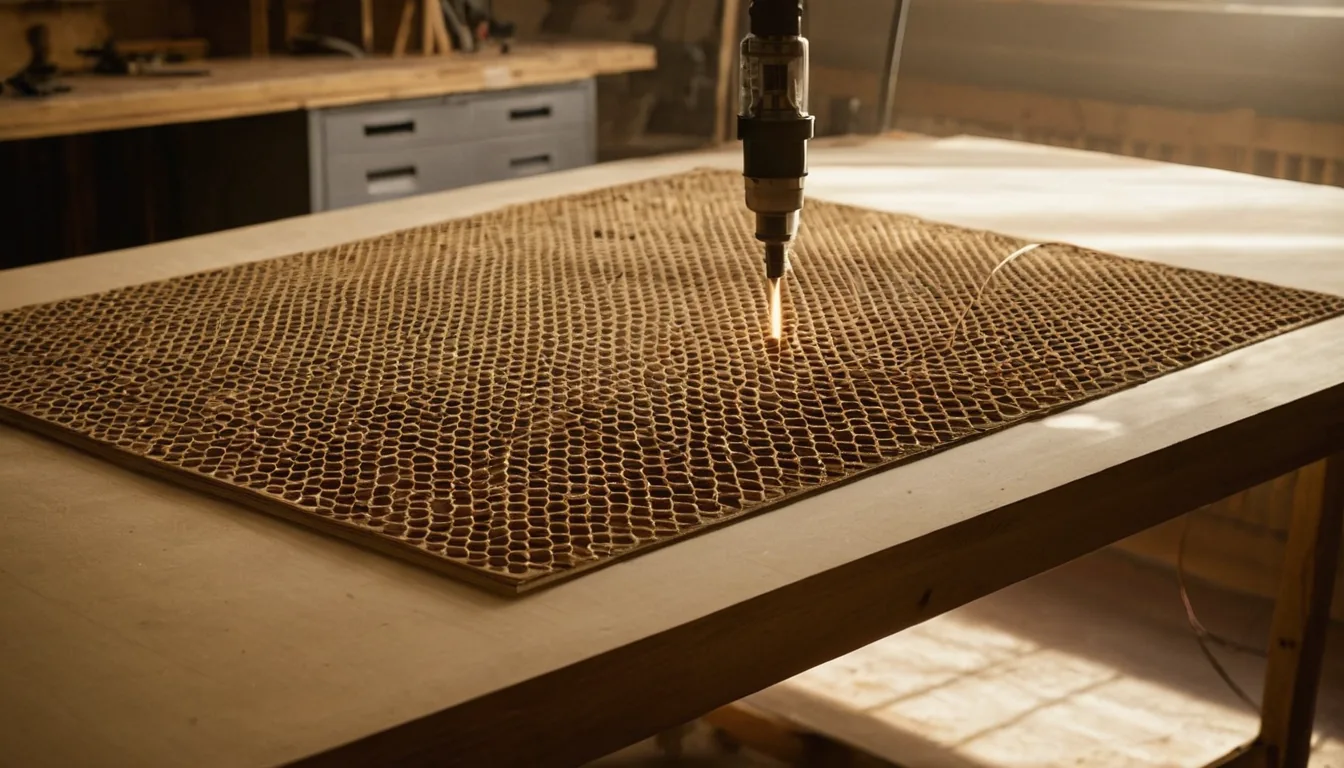
Searching for WeCreat Lumos settings, glass settings or slate settings? The Lumos is WeCreat’s galvo desktop machine with a 10 W diode and a 3 W infrared head. WeCreat’s help center publishes its settings as project presets (a pencil, a spoon, a lighter, a pendant) rather than a material and thickness chart, so that is what this page lists: 11 rows from nine help articles. Quick answer: the diode fills a wooden spoon at 100% and 200 mm/s, and the infrared marks a stainless lighter at 70% and 158 mm/s. We have not run a Lumos ourselves, and WeCreat publishes no glass or slate numbers.
Quick answer: for wecreat lumos material settings, the only manufacturer numbers we could read are the project presets in WeCreat’s help center, all dated June to July 2025, all for the base Lumos (10 W diode plus 3 W infrared). The Lumos Flex is a different machine with a 15 W fiber and 15 W diode, and its settings articles are video-only, so there are no Flex rows here. For wecreat lumos glass settings and slate settings WeCreat publishes no numbers; we left them out.
WeCreat Lumos project presets (power % / speed mm/s / passes / line density)
Each row is copied whole from the single WeCreat help-center article for that project, with the Processing Type WeCreat uses. All are flat-surface mode except the ring. WeCreat does not print the material thickness, and prints line density without a unit. These are presets for one specific item, so they are a starting point for similar items, not a rule for a material. Confirm with a material test grid.
| Project / material | WeCreat processing type | Setting |
|---|---|---|
| Wood: pencil | Fill engrave, 10W diode | 80% / 60 mm/s / 1 pass / line density 100 |
| Wood: spoon | Fill engrave, 10W diode | 100% / 200 mm/s / 1 pass / line density 100 |
| Wood: ring box | Fill engrave, 10W diode | 100% / 250 mm/s / 1 pass / line density 100 |
| Wood: cork phone case | Fill engrave, 10W diode | 33% / 600 mm/s / 1 pass / line density 100 |
| Acrylic: coated ABS acrylic | Fill engrave, 10W diode | 55% / 453 mm/s / 1 pass / line density 100 |
| Stainless steel: lighter | Fill engrave, 3W infrared | 70% / 158 mm/s / 1 pass / line density 300 |
| Stainless steel: pendant, yellow | Fill engrave, 3W infrared | 80% / 20 mm/s / 1 pass / line density 300 |
| Stainless steel: pendant, deep blue | Fill engrave, 3W infrared | 80% / 50 mm/s / 1 pass / line density 300 |
| Stainless steel: pendant, light green | Fill engrave, 3W infrared | 50% / 20 mm/s / 1 pass / line density 300 |
| Stainless steel: ring (cylindrical mode) | Fill engrave, 3W infrared | 100% / 10 mm/s / 1 pass / line density 100 |
| Metal: coin | Line engrave, 3W infrared | 100% / 2 mm/s / 10 passes / line density 100 |
Sanity check: the diode’s 100% at 200–250 mm/s fill on wood is in line with our xTool F1 guide (10 W diode, basswood engrave 100% at 300 mm/s). The infrared rows run far slower (10–158 mm/s) than the F1 guide’s stainless row (50% at 550 mm/s), but WeCreat’s steel rows are colour and deep-mark jobs on pendants and rings, so they are not like for like.
The charts from this site in one printable book: The Laser Settings Handbook — 18 machines, 11 material charts, the 15 fixes and a settings log in 168 pages. Machine guides added since the book was made are free online only. Read the free 13-page sample.
Get an exact price for the WeCreat Lumos
Settings give the time; the price is time times your hourly rate plus material and setup. Put the speed into the laser cutting time calculator, then the calculator.
Models, specs and whether it is still sold
| Item | WeCreat Lumos | WeCreat Lumos Flex |
|---|---|---|
| Lasers | 10 W diode + 3 W infrared | 15 W fiber + 15 W diode |
| Work area | 116 × 116 mm; 520 × 116 mm with slide extension | Same |
| Max speed | 4,000 mm/s | 10,000 mm/s |
| Cutting depth | Basswood 8 mm, black acrylic 6 mm | Basswood 15 mm, black acrylic 12 mm, stainless 0.3 mm |
| Camera | 50 MP, auto and manual focus | |
| Software | WeCreat MakeIt, LightBurn | |
Source: the WeCreat product pages for the Lumos and the Lumos Flex and WeCreat’s “working area for Lumos” help article. A 50 W fiber module is sold as an upgrade for both. WeCreat does not publish a wavelength for the Lumos diode or infrared in the pages we read, so we do not state one. Both product pages showed the machines as in stock on 14 November 2026, and a refurbished Lumos is also listed; we did not run a checkout.
Blanks for a WeCreat Lumos
The presets above are small projects, so the stock is small blanks.
Stainless steel dog tag blanks: Check price on Amazon ↗
Stainless steel pendant blanks: Check price on Amazon ↗
Wooden spoon blanks: Check price on Amazon ↗
Basswood sheets 3 mm: Check price on Amazon ↗
Disclosure: some links are affiliate links — if you buy through them we may earn a small commission at no extra cost to you. As an Amazon Associate I earn from qualifying purchases. Prices are approximate list prices at the time of writing; always check the current offer.
Bed size: what actually fits
The Lumos works a 116 × 116 mm flat area, or 520 × 116 mm with the slide extension. It is a small-items machine.
| Common stock | On this machine (520 × 116 mm with slide) |
|---|---|
| A4 sheet | Does not fit: cut it down first |
| 300 × 300 mm craft ply | Does not fit: cut it down first |
| 600 × 400 mm sheet | Does not fit: cut it down first |
What the WeCreat Lumos settings above do not cover
- No material and thickness chart. WeCreat’s help center has project presets only; the user manual body would not load for us.
- No glass, slate, tumbler or leather numbers. The Color Engraving article gives a procedure but no fixed values.
- No Lumos Flex rows. Its three settings articles are video-only.
- No cutting rows. WeCreat publishes depth limits (8 mm basswood) but no cut power and speed.
Troubleshooting: symptom, cause, fix
| Symptom | Likely cause | Fix |
|---|---|---|
| Mark too light on wood | Speed too high or out of focus | Re-focus on the actual surface, then step speed down by 10%. |
| Metal mark has the wrong colour | Speed or power off by a small step | WeCreat’s pendant presets give three colours from three speeds and powers: change one thing at a time. |
| Ring engraving blurs | Cylindrical mode and diameter not set | Use the cylindrical mode, and a diameter within WeCreat’s 100 mm limit. |
Material cost per item
Buy small blanks that fit a 116 mm bed. See where to buy laser materials.
FAQ
What are WeCreat Lumos settings for wood?
WeCreat's help-center presets for the 10W diode, fill engraving, one pass, line density 100: pencil 80% / 60 mm/s, spoon 100% / 200 mm/s, ring box 100% / 250 mm/s, cork phone case 33% / 600 mm/s. Thickness is not published.
What are WeCreat Lumos stainless steel settings?
With the 3W infrared: a lighter at 70% / 158 mm/s (line density 300), and a pendant at 80% / 20 mm/s for yellow, 80% / 50 mm/s for deep blue or 50% / 20 mm/s for light green. All fill engraving, one pass.
Does WeCreat publish Lumos glass or slate settings?
Not in the help-center pages we could read. We left them out instead of guessing.
What is the difference between the WeCreat Lumos and the Lumos Flex?
Per WeCreat, the Lumos has a 10W diode and a 3W infrared laser; the Flex has a 15W fiber and a 15W diode, a 10,000 mm/s speed and cuts 0.3 mm stainless. Both work a 116 x 116 mm area.
How big is the WeCreat Lumos work area?
116 x 116 mm in flat mode and 520 x 116 mm with the slide extension, per WeCreat.
Can the WeCreat Lumos cut wood or acrylic?
WeCreat lists maximum cutting depths of 8 mm basswood and 6 mm black acrylic, but publishes no cutting power and speed that we could read.
Is the WeCreat Lumos still sold?
WeCreat's store showed the Lumos and Lumos Flex as in stock on 14 November 2026.